Chrome Remote Desktop: Secure Access to Your Computer on iPhone

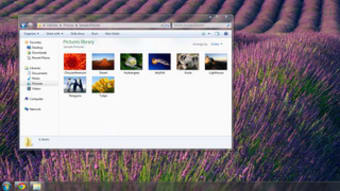
Chrome Remote Desktop is a free utility tool by Google LLC. that enables you to securely access your computer from your iPhone. The program is fast, simple, and easy to use. With Chrome Remote Desktop, you can access your computer from anywhere, at any time, as long as you have an internet connection.

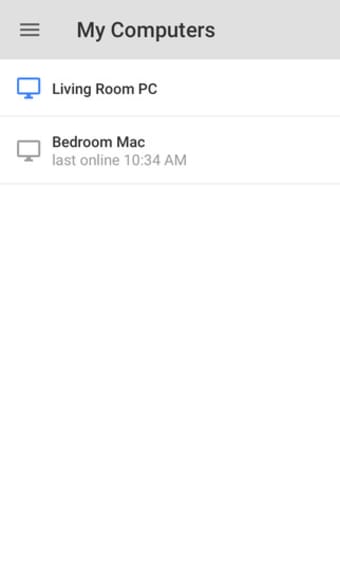
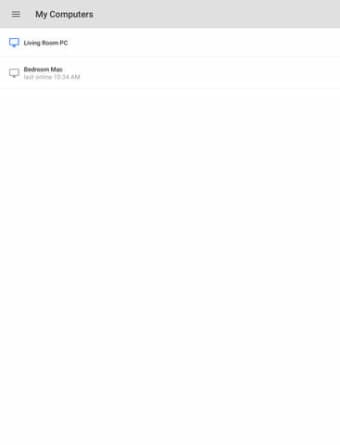
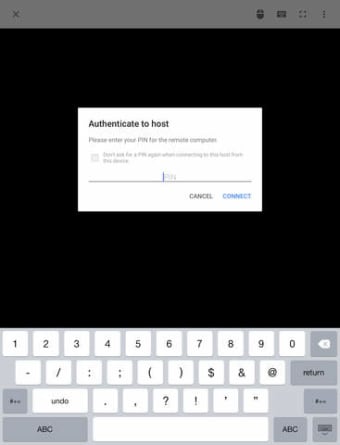
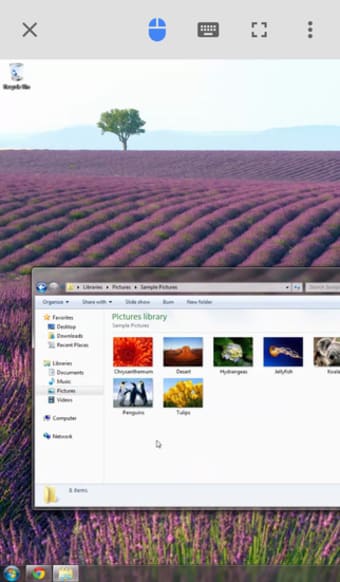
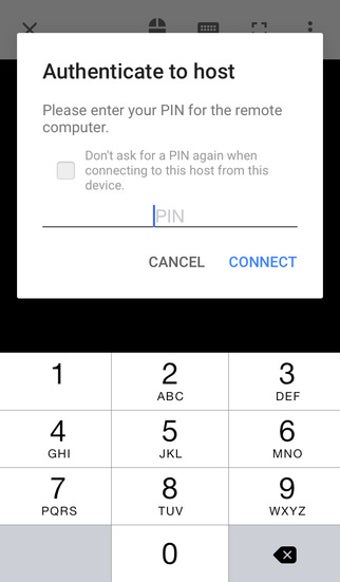
To get started, you need to visit the Chrome Remote Desktop website on the computer you want to access remotely and follow the instructions to set up your computer for remote access. Once you've completed the setup, you can open the app on your iPhone, sign in with your Google account, and tap on any of your online computers to connect.

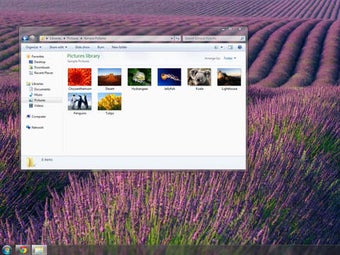
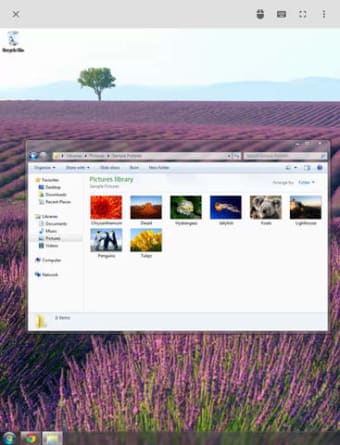
Chrome Remote Desktop is a reliable and convenient tool that allows you to access your computer remotely and perform various tasks as if you were sitting in front of it. Whether you're on the go or working from home, Chrome Remote Desktop is an excellent solution for those who need to access their computer remotely on their iPhone.
 0/8

App specs

  • License

    Free

  • Version

    101.0.4951.27

  • Latest update

  • Platform

    iPhone

    Other platforms (3)
  • OS

    iOS 12.1.2

  • Language

    English

    Available languages

    • German
    • Russian
    • Finnish
    • French
    • Swedish
    • Korean
    • Chinese
    • Portuguese
    • Greek
    • English
    • Italian
    • Spanish
    • Chinese
    • Japanese
    • Danish
    • Dutch
    • Turkish
  • Downloads

    11.5K

    Last month's downloads

    • 718
  • Developer

Also available in other platforms

Program available in other languages


User reviews about Chrome Remote Desktop

Have you tried Chrome Remote Desktop? Be the first to leave your opinion!

Add review

You may also like

Alternatives to Chrome Remote Desktop

Explore Apps

Latest articles

Laws concerning the use of this software vary from country to country. We do not encourage or condone the use of this program if it is in violation of these laws.
Softonic

Is Chrome Remote Desktop safe?

Score result: Clean

This app is available directly from the official App Store. Since the official app stores maintain their own rigorous security standards and review processes, we rely on their trusted distribution platform rather than performing additiona scans. You can download with confidence knowing this comes straight from the verified source.
  • Virus free
  • Spyware free
  • Malware free